 Tellify: TV Remote Control
Lost the remote? Your iPhone is the remote now.
Tellify works with Samsung, LG, Roku, Fire TV and Google TV. The remote is never locked: no ads, no tap counter, no account.
Free to download. Works over your Wi-Fi. Collects no data.
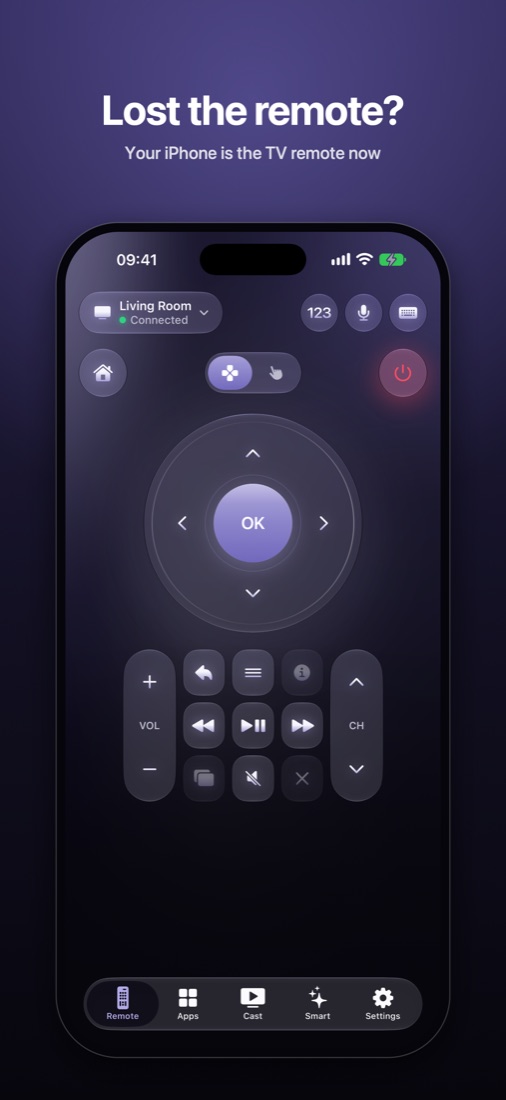
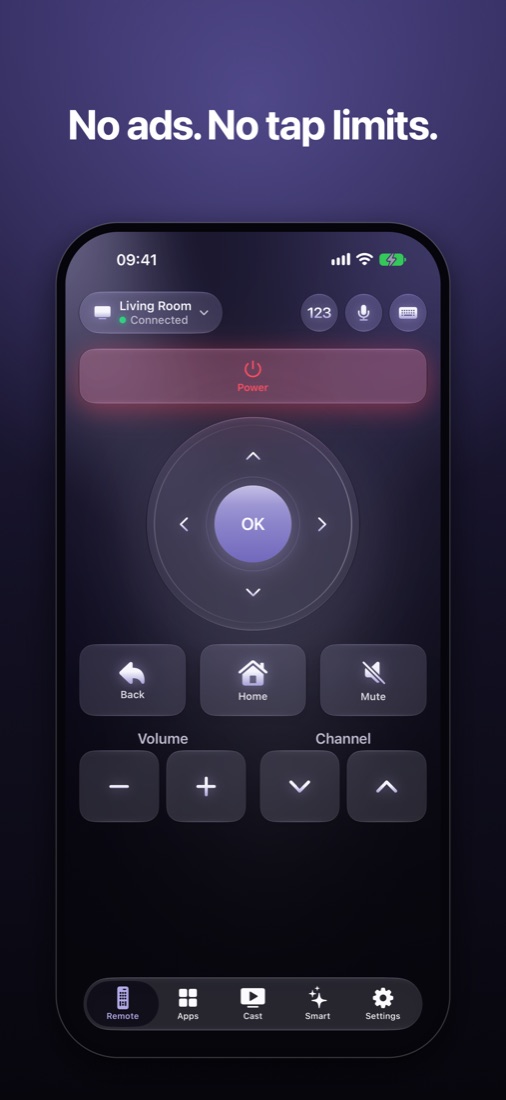
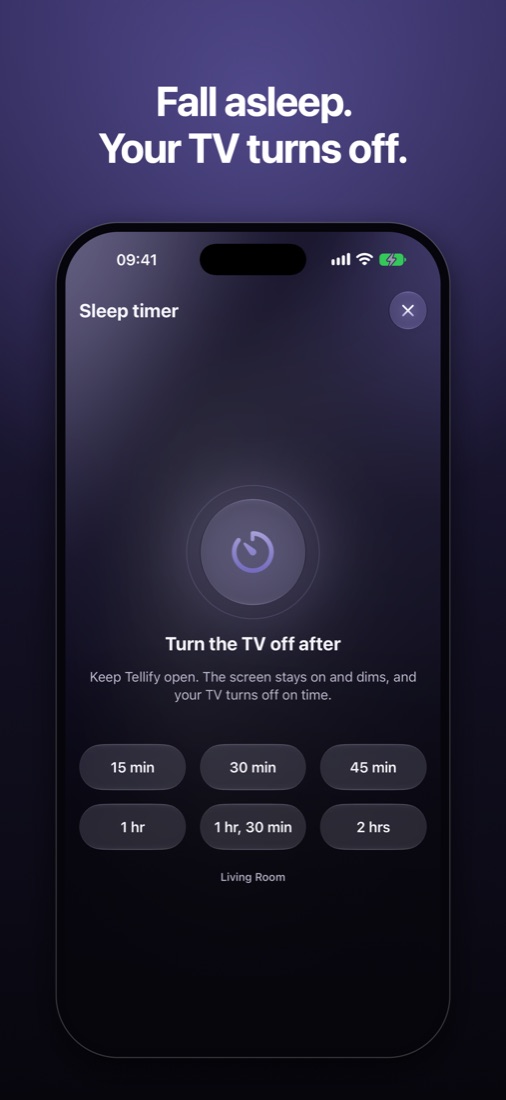
Same Wi-Fi. Tap your TV. Done.
- Open Tellify on the same Wi-Fi as your TV.
- Tap your TV. Tellify finds it for you.
- Control it. You pair once, and your TV is remembered.
TV not showing up? The app's Settings › Connection help tells you why (Wi-Fi, the Local Network permission or a TV setting) and how to fix it.
Does it work with my TV?
Works with
- Samsung smart TVs (Tizen)
- LG smart TVs, newer and older models
- Roku TV and Roku streaming players
- Google TV and Android TV
- Amazon Fire TV
That includes many TCL, Hisense, onn, Sharp, Philips, Sony, Insignia and Toshiba models that run Roku TV, Google TV or Fire TV.
Not supported yet
- Vizio
- Apple TV (it has its own remote in iPhone's Control Center)
- TVs without Wi-Fi. iPhone has no infrared, so the TV and the iPhone must be on the same Wi-Fi.
Volume is never locked.
The buttons you use every day are free, with no ads and no tap counter. Tellify Pro adds extras, and it is what pays for the app.
| Free | Pro | |
|---|---|---|
| Power, volume, mute, channels and input | ✓ | ✓ |
| D-pad, OK, Back, Home, play and pause | ✓ | ✓ |
| Big Buttons mode and sleep timer | ✓ | ✓ |
| Keyboard and voice search on the TV | – | ✓ |
| Touchpad | – | ✓ |
| Open your TV's apps in one tap | – | ✓ |
| Photos, videos and screen mirroring on the TV* | – | ✓ |
| Widgets, Control Center, Lock Screen and Siri | – | ✓ |
| Apple Watch remote | – | ✓ |
| Every TV in your home | One TV | ✓ |
| 7 themes | – | ✓ |
Prices are in US dollars; the App Store shows the price in your currency. Subscriptions renew automatically unless cancelled at least 24 hours before the end of the period, and you can cancel any time in your Apple Account settings. Tellify Pro supports Family Sharing.
*Photos, videos and screen mirroring are not available on Amazon Fire TV. Screen mirroring is not available on older LG TVs (NetCast).
No account. No ads. No tracking.
Tellify talks to your TV directly over your home Wi-Fi. Nothing about you or your TV is collected, and the App Store privacy label reads "Data Not Collected". Read the Privacy Policy.
Questions people ask
My TV doesn't show up. What do I do?
Check that the TV is on and on the same Wi-Fi as your iPhone (not a guest network), and that iPhone Settings › Tellify › Local Network is on. The app's Settings › Connection help checks both for you. You can also add the TV by its IP address. More help on the support page.
Does it need Wi-Fi?
Yes. iPhone has no infrared, so Tellify controls the TV over your home Wi-Fi. The iPhone and the TV must be on the same network.
Can I use it if I've lost my TV remote?
Yes, once Tellify is connected to your TV. For the very first connection, Android TV, Google TV and older LG TVs show a code that you type into the app, so you don't need the remote. Samsung and newer LG TVs ask you to confirm once on the TV screen, which you can do with the TV's own control button. Roku must allow control by mobile apps, and Fire TV needs ADB debugging turned on; both are set with the TV's remote. If you can't do that step today, set up Tellify the next time you have the remote, so you're ready.
How do I cancel Tellify Pro?
Purchases are handled by Apple. Open iPhone Settings › your name › Subscriptions, choose Tellify and cancel. Cancel at least 24 hours before the end of the period to avoid the next charge. The lifetime purchase never renews.
Does it work with Vizio TVs?
Not yet. If you have a Vizio TV, email hello@onelabsllc.com with your model. It helps us decide what to add next.
Does it work with Apple TV?
No. Apple TV already has a free remote built into iPhone: open Control Center and tap the remote icon.
Tellify is made by One Labs LLC and published on the App Store by its founder, Moncef Moustaji. Tellify is not affiliated with, endorsed by or sponsored by any of the companies named on this page. All brand names are trademarks of their respective owners.